🎮 Game Controls & Keyboard Guide
Mega Shark: The Ultimate Adventure Challenge
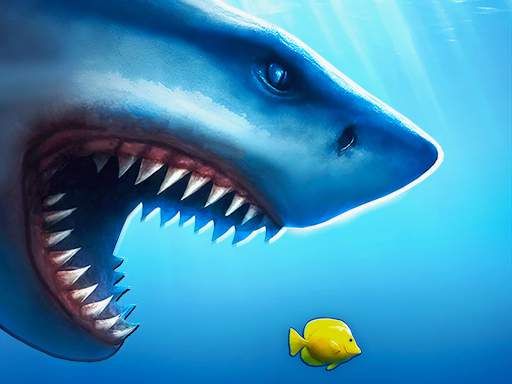
One shark and a sea full of delicious fish. How hungry are you? You’ve got 60 seconds to prove it! Feed nonstop, survive the deepest waters and rely on your shark’s speed, strength and invincibility to complete each hunt. Collect coins and trophies to unlock and explore new stages.
Embark on an exhilarating journey in Mega Shark. Whether you have five minutes or several hours, this Adventure adventure will keep you on the edge of your seat.
⚡ Key Features
🎮 Responsive Controls
Optimized for smooth keyboard, mouse, and touchscreen input across all devices.
⚡ Instant Browser Play
No installation, downloads, or plugins required. Loads in seconds directly in HTML5.
🗨️ Frequently Asked Questions

⭐ Pro Tips & Strategy
Learn the attack and movement patterns of recurring obstacles to predict safe intervals. Stay centered on the screen whenever possible to allow maximum reaction time in all directions.
Complete Guide & Gameplay for Mega Shark
To excel in Mega Shark, start by familiarizing yourself with the responsive controls. As the difficulty scales, maintaining composure and steady rhythm will be key to conquering high levels.
This classic Adventure browser title is fully optimized for HTML5 browsers, delivering responsive physics and immersive action on desktop, mobile, and tablet platforms without downloads.
